Mirror Link
Wallet Passes AllianceLibraries & Demo
3.2399.00 Reviews
- Version
- 41.0
- Installs
- 1.00M
- Age Rating
- Everyone
Screenshots
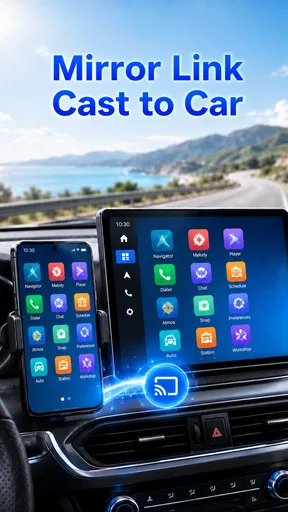
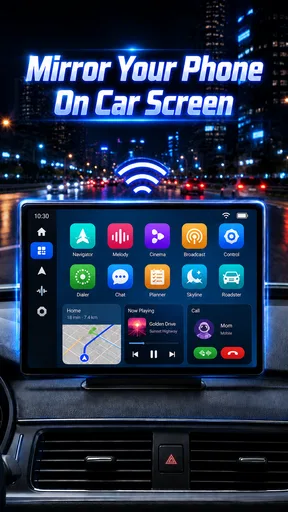
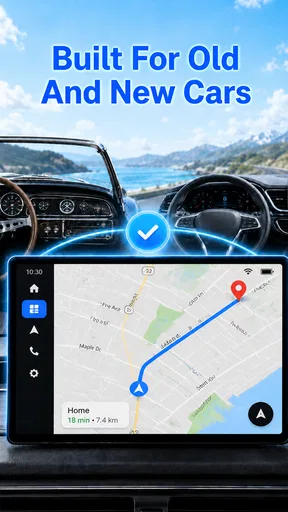
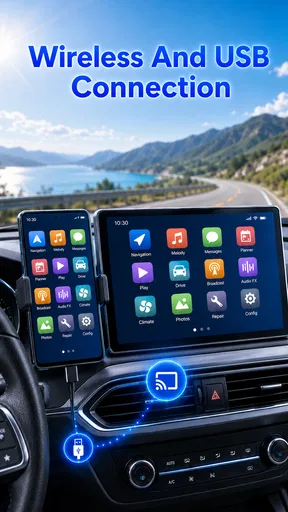
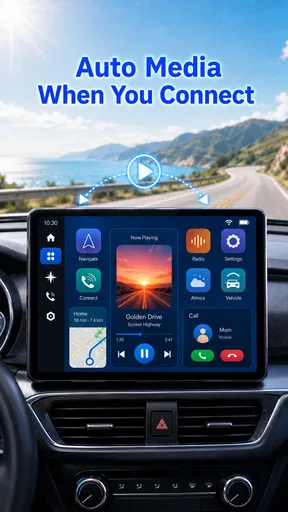
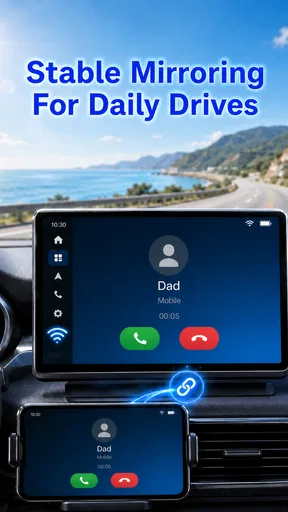
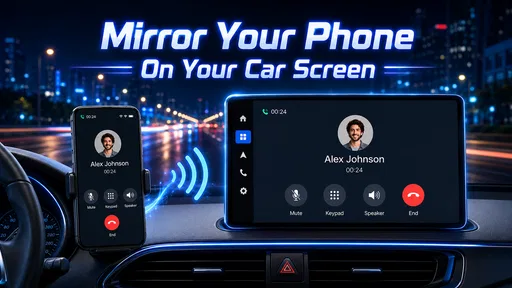
Our Review of Mirror Link
 Analysis by Appyee
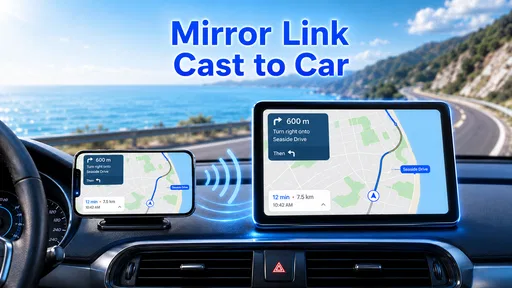
Connecting an Android phone to a car display sounds simple until the first real trip exposes the awkward parts: different dashboards, different cable habits, and different expectations about what “mirror” actually means. I approached Mirror Link as a practical decision rather than a promise of a perfect in-car system. Its purpose is clear: help bridge a phone and a car screen, with the app sitting in the Libraries & Demo category rather than presenting itself as a complete navigation, music, or vehicle-control replacement.
That distinction matters. If you want a focused tool to investigate whether your phone can work with an existing dashboard, this app may be worth trying. If you expect a polished alternative to the car’s established interface, my experience suggests you should slow down and check your expectations first. The app is free to install, aimed at everyone, and developed by Wallet Passes Alliance. Its store presence is substantial, with over one million installs, but the average rating sits at 3.2 from around twenty-three thousand ratings, which reflects a mixed experience rather than universal satisfaction.
How I would decide whether Mirror Link is right for my car
The first decision is not really about the app. It is about the relationship between the phone, the car, and the dashboard. A phone can be modern enough while the vehicle screen still follows an older connection standard. A car can advertise phone integration while supporting only certain devices or functions. The app cannot erase those differences, so I would treat it as a compatibility-oriented experiment, not a guarantee that every screen will suddenly accept everything from the phone.
I would also decide what I mean by “connect.” There are at least three different expectations hidden behind that word. Some drivers want selected apps presented through a safer car interface. Others want the entire phone screen duplicated. A third group simply wants a convenient way to test a connection before buying a new head unit or changing their driving setup. Mirror Link is most interesting for the third group and for people whose car already appears to support the relevant connection method.
In an everyday situation, imagine leaving for work with the phone already containing the route, music, and messages you need. You connect it while parked, open the app, and check whether the vehicle display responds as expected. If it works, the benefit is practical: fewer reasons to handle the phone during the journey. If it does not, the failure is still useful information before you spend money on hardware. I would perform that test at home or in a parked car, not on the roadside after the journey has already started.
The most important buying decision is compatibility, not the download itself. Before relying on the app, check the car’s manual and dashboard menus for the exact connection language they use. Also check the phone’s Android version. The app supports Android 6.0 and later, which makes it accessible to older devices, but operating-system eligibility alone does not prove that a particular car display will cooperate with it.
What the app is actually good at
My strongest use for Mirror Link is as a low-cost first step. Because the app is free, I can test the idea without immediately replacing a dashboard, buying an adapter, or committing to a different phone. That makes it useful for someone who has inherited a car with an unfamiliar infotainment system, bought a used vehicle, or wants to understand whether an existing screen can play a larger role in daily driving.
I also see value for people who are comparing connection approaches. The usual alternatives fall into broad groups: the car maker’s built-in phone integration, a platform-specific driving interface, a wired connection, a wireless adapter, or a completely new head unit. Mirror Link does not automatically make those alternatives unnecessary. Instead, it gives me another route to test before deciding whether the built-in option is enough or whether additional hardware is justified.
Its placement among library and demonstration apps is a useful clue about how I would use it. I would not install it expecting a full navigation database, a music service, or a dedicated vehicle assistant. I would use it as part of a connection workflow. That narrower role is a strength when I want to investigate a specific screen, but it becomes a weakness if I want one application to organize every part of my drive.
Another practical strength is the relatively broad Android starting point. Someone using an older phone may at least be able to install the current version, which is 41.0, rather than being excluded immediately by a newer operating-system requirement. That does not settle the compatibility question, but it lowers the first barrier to testing. In my view, this is more valuable for owners of older cars and phones than for people already using a recent vehicle with a well-supported factory interface.
Three less obvious ways I would test it
My first tip is to test the complete chain, not just the app. I would use the same phone, cable, vehicle input, and dashboard mode that I expect to use later. Changing two of those items at once makes a failed test difficult to interpret. If the screen remains blank, I want to know whether the issue comes from the selected input, the cable, the phone, or the car’s own restrictions. This simple habit turns the app from a vague promise into a controlled compatibility check.
My second tip is to test with a modest task before attempting a long trip. I would start with a parked connection and a short route, then disconnect and reconnect once. A setup that works only on the first attempt may be frustrating during a commute. I would also arrange the phone before driving, because the usefulness of a dashboard connection is reduced if I still need to search through the handset while moving. The app can be part of a safer routine, but it cannot replace sensible preparation.
My third tip is to compare the result with the car’s native interface instead of judging it in isolation. If the built-in system already handles the functions I use, Mirror Link may add complexity without adding much value. If the factory system is limited and the app gives me a workable bridge, the trade-off may be worthwhile. The right question is not “Can this display something?” but “Does this make my normal drive simpler than the option I already have?”
I would also keep a fallback plan for navigation and calls during the first few journeys. A connection tool that behaves differently after a restart, a cable change, or a vehicle ignition cycle can create unnecessary stress. I would save the route in the method I normally trust and treat the first few uses as testing. That is not a criticism unique to this app; it is the sensible cost of introducing another link into a driving setup.
Where the alternatives fit better
When I compare car-screen options, I look beyond whether a connection works once and ask how much attention it takes to repeat. A dependable built-in interface or a platform-specific driving display may be a better fit if several people share the car, while a phone-only setup may be enough for rare trips. The key is to choose the workflow that stays simple after the first-week novelty fades.
Built-in car integration
If my car already offers a dependable, officially supported phone interface, I would usually start there. The native route tends to be easier to explain to another driver, easier to select from the dashboard, and more predictable when the vehicle starts. It may also present a more carefully limited set of driving-friendly functions. In that situation, Mirror Link is worth considering mainly if the factory system does not cover a specific need or if I am exploring an older connection method.
The trade-off is flexibility. A built-in system can be tightly tied to the vehicle and the phone platform it expects. If my equipment falls outside that preferred combination, a separate app may be a useful experiment. I would not assume the alternative is better simply because it is more independent; I would compare the number of steps required each time I enter the car.
Platform-specific driving interfaces
Platform-specific options may be the better choice for someone who wants a consistent driving layout, voice interaction, and a curated selection of compatible applications. They are often designed around the idea that the vehicle screen should not behave exactly like a phone. That can be an advantage for drivers who care more about predictable controls than about duplicating the handset.
Mirror Link makes more sense when the existing car or phone setup points toward screen connection rather than a platform-specific dashboard experience. It may also appeal to someone who wants to test a connection without changing the entire way they use the vehicle. Still, I would choose the platform-specific route when safety-focused presentation and repeatable operation matter more than experimentation.
Adapters and new hardware
A wireless adapter or replacement head unit can solve a different problem: reducing cable handling or modernizing an old dashboard. Those options may be preferable when the phone connection works in principle but the daily routine is inconvenient. The downside is the cost of buying hardware and the risk that the car’s wiring, dashboard design, or existing system introduces another compatibility issue.
Mirror Link’s advantage here is that I can investigate the possibility before paying for a physical solution. Its weakness is that a free test cannot guarantee the smoothness of a dedicated upgrade. If I need a stable setup for frequent professional driving, I would value proven hardware and clear vehicle support more than the appeal of avoiding an initial purchase.
Simply using the phone
For very occasional driving, the phone may seem like the easiest option. In practice, I would be cautious. Keeping the device mounted and configured before moving is one thing; reaching for it during a journey is another. A dashboard connection can reduce that temptation, but only if it works without constant troubleshooting. If Mirror Link requires repeated attention, the ordinary phone setup may not be a meaningful improvement, and a more established car interface would be the better direction.
What the rating tells me
The app’s 3.2 average from roughly twenty-three thousand ratings makes me cautious but not dismissive. A mixed rating is exactly what I would expect from a product whose results depend heavily on the phone, car, cable, and dashboard standard around it. The review count, which is just under four hundred, reinforces that there are plenty of user experiences to consider, but I would read them for patterns related to my own vehicle rather than treating the average as a universal verdict.
That is an important distinction for this app. A high rating would not prove that it works with my car, and a low rating would not prove that it fails with every setup. I would look for comments describing the same Android generation, vehicle type, and connection method. I would also pay attention to whether users describe a one-time setup or a repeatable daily workflow. Reliability after the initial success matters more to me than a single impressive demonstration.
The real cost of switching to this workflow
Mirror Link is free to download, which makes the financial risk of trying it small. However, switching costs are not limited to the price shown in an app store. I may spend time learning the dashboard input, arranging the phone, testing reconnections, and deciding which functions I actually want on the car screen. The app includes in-app purchase items ranging from $0.99 to $99.99, so I would avoid assuming that every possible part of the experience is covered simply because the initial download costs nothing.
I would approach any optional purchase carefully. First I would establish that the basic connection works with my phone and vehicle. Then I would decide whether an added capability solves a real problem in my routine. Paying before confirming the central compatibility question reverses the sensible order. A free installation is useful precisely because it lets me test the foundation before attaching more expense to it.
There is also a time cost when moving from a familiar native system. My partner or another family member may not know which input to select, how to reconnect the phone, or what to do if the screen does not appear. If several people use the car, I would favor the solution that is easiest to repeat, not merely the one that succeeds once on my phone. This is one reason built-in alternatives can win even when they offer fewer experiments.
Privacy and distraction are practical considerations too. I would avoid treating screen mirroring as permission to bring every phone activity into view while driving. A useful setup should leave the phone prepared before the car moves and should favor the functions I genuinely need. If the connection encourages me to browse, adjust settings, or troubleshoot on the road, it has failed the more important test of reducing distraction.
For an older vehicle, though, the calculation can look different. A free app may be a sensible first move when the alternative is immediately buying a new dashboard. I would test it during several ordinary starts, in the conditions where I actually drive, and only then compare the effort with the price and installation work of hardware. That sequence protects both my budget and my time.
My recommendation after weighing the trade-offs
I recommend Mirror Link to Android users who have a car screen that appears to support phone linking and who want an inexpensive way to investigate that connection. I especially like its role as a compatibility trial: install it, prepare the phone while parked, test the complete setup, and compare the result with the dashboard’s existing options. Its broad Android support makes it approachable for older devices, and its free entry point keeps the first experiment simple.
I would not recommend making it the sole plan for an important journey until it has proved repeatable. The mixed average rating, the dependence on vehicle and phone compatibility, and the possibility of optional purchases all point toward a measured approach. I would also skip it if my main goal is a polished, safety-focused driving interface and my car already supports a dependable native or platform-specific alternative.
My final view is that this is a useful tool for testing an idea, not a universal replacement for every in-car system. It wins when avoiding an immediate hardware purchase matters and when my car is already close to supporting the connection I want. Alternatives win when I need predictable startup, shared-car simplicity, or a carefully designed driving environment. For me, that makes the app worth trying in a parked car, but not worth trusting blindly on the first trip.
Wallet Passes Alliance has made the entry point accessible, and the current version gives older Android users a reasonable chance to participate in the experiment. The Everyone age rating also makes it broadly approachable, although responsible use still depends on the driver’s choices. If the test produces a stable, low-effort routine, Mirror Link can earn a place in my car. If it creates more fiddling than convenience, I would stop there and choose the car’s native system, a platform-specific interface, or dedicated hardware instead.
Privacy and Permissions
See what permissions an app requests and how it handles your data.
- Contacts
- read your contacts
- Location
- approximate location (network-based), precise location (GPS and network-based)
- Phone
- directly call phone numbers
- Wi-Fi connection information
- view Wi-Fi connections
- Other
- view network connections, full network access, control vibration, prevent device from sleeping, Google Play license check
Verdict
Strengths of Mirror Link
- Simple way to mirror compatible phones on supported car displays.
- Useful for accessing navigation and music apps while driving.
- Can make a larger screen easier to view than a phone display.
- May work with existing vehicle infotainment hardware.
- Reduces the need to handle the phone during short trips.
Limitations of Mirror Link
- Compatibility varies greatly between phones, cars, and USB cables.
- Some apps are blocked or limited while the vehicle is moving.
- Connection problems may require reconnecting or restarting devices.
- Mirroring can drain the phone battery and increase device heat.
- Older cars may offer poor resolution, lag, or unreliable touch control.
Other Releases by Wallet Passes Alliance
View All
WalletPasses | Passbook Wallet
Travel & Local4.5

House Design Plan 3D App
House & Home4.0

Funky Smiles Live Wallpaper
Personalization4.7

Flymat: Live Flight Tracker
Travel & Local4.3
Similar Picks in This Category
View All
PGT: GFX, Launcher & Optimizer
Trilokia Inc.4.5

AusweisApp Bund
Governikus Service GmbH3.7

Cardboard
Google LLC3.2

Gamers GLTool with Game Tuner
Trilokia Inc.4.5

Multi Web Chat - Read Secretly
World Scan & Cleaner3.8

App Cloner Premium & Add-ons
App Listo1.9
Frequently Asked Questions
What is Mirror Link and what does it do?
Mirror Link is a screen-mirroring and device-connection solution designed to display content from a compatible smartphone on a larger screen, such as a car infotainment system, television, or computer. Depending on the device and version, it may let you access navigation, music, calls, and selected applications. Its exact features depend on the phone, receiving screen, connection method, and supported standards.
Is Mirror Link compatible with every Android or iPhone device?
No. Compatibility is one of the most important points to check before downloading or setting up Mirror Link. Support can vary by smartphone manufacturer, Android version, vehicle or display model, and connection protocol. Many newer phones may prioritize alternatives such as Android Auto, Apple CarPlay, Chromecast, or proprietary casting tools. iPhone users should verify whether the intended receiver supports AirPlay or CarPlay rather than assuming Mirror Link will work.
How do I connect my phone using Mirror Link?
The connection process depends on the receiving device. Usually, you need to enable the relevant connection or projection option on your phone, connect through USB or the same Wi-Fi network, and then select the phone from the car, television, or computer interface. Some systems require a certified cable, Bluetooth pairing, permissions, or a companion application. If the device is not detected, checking compatibility and updating both systems is usually the best first step.
Can I use navigation, music, and other apps while Mirror Link is active?
In compatible environments, Mirror Link can make selected phone functions available on a larger display, including maps, audio playback, contacts, and hands-free calling. However, it may not mirror every application. Some apps are blocked for safety, copyright, or compatibility reasons, particularly while driving. Menus and available controls can also differ between vehicles and phones, so users should test the setup while parked and avoid interacting with the phone while driving.
Is Mirror Link safe and does it require an internet connection?
Mirror Link itself may work through a direct USB or local wireless connection, so an internet connection is not always required for basic screen projection. Internet access may still be necessary for online maps, streaming services, downloads, or account-based features. For driving, safety should remain the priority: use voice controls and approved applications, keep the phone securely mounted when necessary, and never operate the device manually while the vehicle is moving.
